Introducing new software in your business can make work faster, smoother, and more organized - but many owners worry about one major problem:
What if my staff refuses to use it?
This fear is valid.
Employees often resist new tools because they are comfortable with old routines.
However, with the right approach, you can turn that resistance into smooth functionality and long-term productivity.
Here are a few steps to make the transition easy for your entire staff and team.
1. First, Explain Why You Are Adopting New Software
People don't resist change - they resist unclear change.
Before introducing new software, explain why you chose it, what problems it will solve, how it will make their work easier, and how it helps the business grow.
When employees understand the purpose of new software, they are more likely to cooperate.
2. Start with a Small Pilot Team
Don't force the whole staff to switch on day one.
Instead, pick 2-3 enthusiastic employees to test the software and gather feedback.
This small group can become your internal support team, helping to train others.
3. Provide Simple Training
Employees won't use a tool they don't understand.
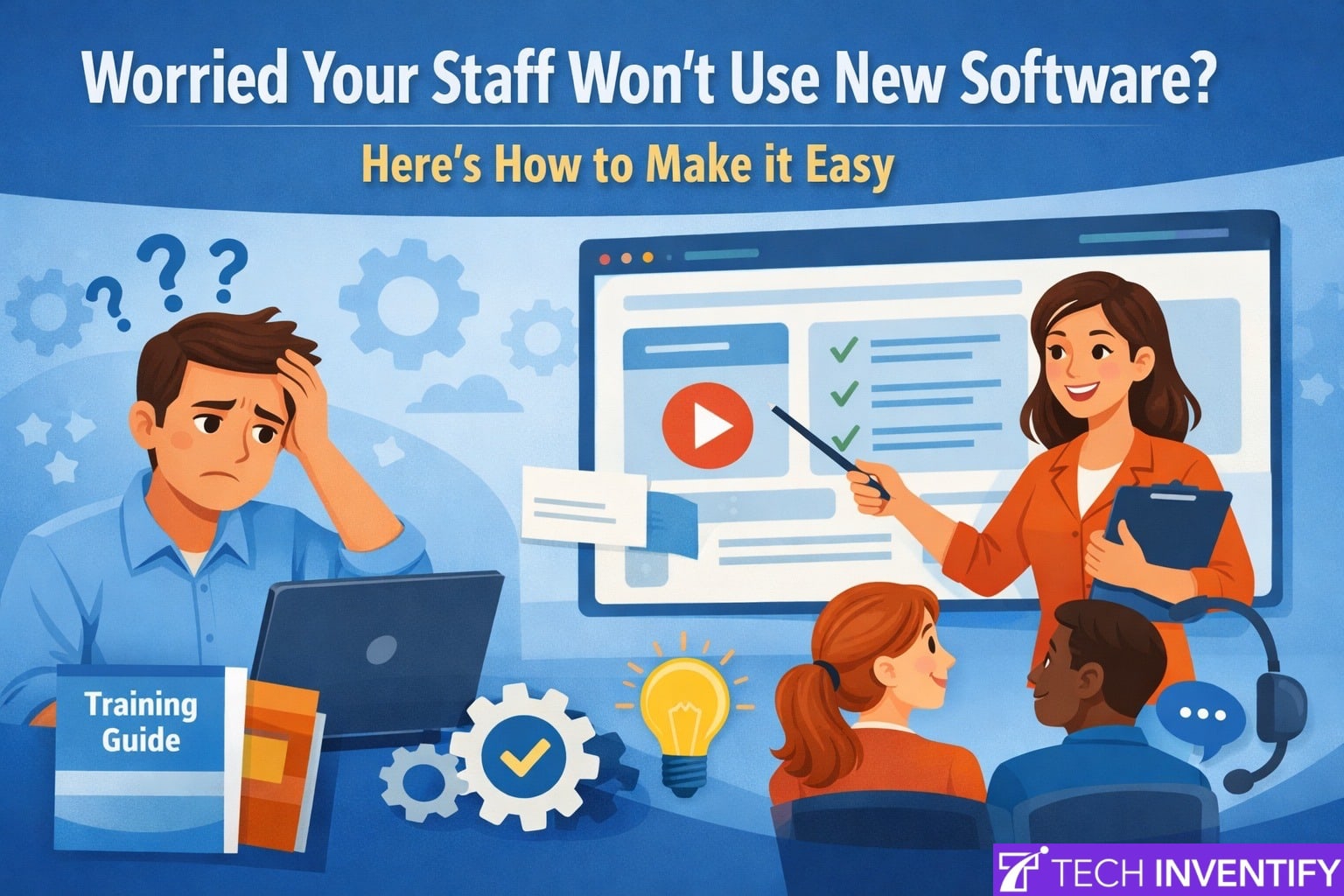
Instead of long and boring technical sessions, provide short demo videos, step-by-step checklists, live walkthroughs, and practice time with guidance.
Keep training simple and practical - not technical.
4. Choose Easy-to-Use Software
Many problems arise from complex tools with confusing interfaces.
Select software that offers a clean design, mobile access, clear buttons and menus, easy onboarding, and 24/7 support.
If the software is simple to use and developed with the user in mind, its adoption becomes smooth and natural.
5. Assign a "Software Champion"
A software champion is someone on your team who learns the tool deeply, helps others, answers small doubts, and motivates the team to use the system.
People follow people, not manuals.
Having a software champion can significantly increase adoption.
6. Instead of Punishing Mistakes, Support Them
When employees fear "doing something wrong," they may avoid using the tools.
Instead, encourage questioning, celebrate efforts, fix mistakes without blame, and offer support.
This positive environment will boost the learning speed.
7. Integrate the Software into Daily Workflow
If the software feels optional, staff won't use it. Make it part of daily work:
- Attendance must be logged in the system.
- All work updates go through the software.
- Reports must be generated from the tool.
Once it becomes routine, adoption becomes permanent.
8. Ask for Feedback
Regularly ask, What is confusing?
What features do they like?
What can be improved?
When employees see their feedback implemented, they feel valued and stay committed.
TechInventify doesn't just install generic software - our team develops tools that match how your business actually works.
That means:
- Features only where you need them.
- No extra clutter that confuses users.
- Interfaces designed around your tasks.
This reduces the learning curve and makes the software feel familiar and user-friendly for your staff.
Some of the Services we provide at TechInventify
Simple and mobile-friendly app.
User-friendly billing apps.
Inventory management software.
E-commerce app, etc.
Your Idea + Our Tech = Real Business Impact
Whether you run a clinic, daycare, gym, retail store, or startup - the right software can simplify your operations, save time, and boost your growth. Our expert team at TechInventify is here to turn your ideas into powerful web and mobile apps tailored for your business needs. Let's explore the possibilities-together.